Your creations in photos · Custom enquiries
An ordering website for your food creations and services
An inviting website, a browsable catalogue and a clear way to order: Ambrosia Studio brings together your website, custom enquiries and optional Stripe payments for fixed-price products. Cakes, dishes or catering services: present your offers and terms in your catalogue. Find Instagram marketing and recipe costing in the same tool, too.
Updated on
Free creation · Preview before sign-up · No payment card required. Limits and online payment commissions depend on your plan; Stripe fees apply separately.
A journey tailored to the information you need
Customers need to understand your offer and know which details to provide. Organise product pages and forms around your services: a custom cake, buffet and private meal each require different information.
- Cake designer: designs, flavours, servings, date, decoration and an inspiration photo.
- Caterer: event type, guest count, venue, delivery and requested services.
- Private chef: proposed menu, date, address, guests and details of the available kitchen.
How do you create your account and website?
Start with your details, public Instagram profile, a flyer or photos. The process prepares your website, then you choose from seven styles and add your contact details.
After preparing the website, edit your product pages, text and practical details in Ambrosia Studio. The mobile or desktop preview lets you check the presentation before publishing changes.
Build your page
Your style, creations and practical information together on one page. Create your account and page step by step, then stay in control of your content and its order.
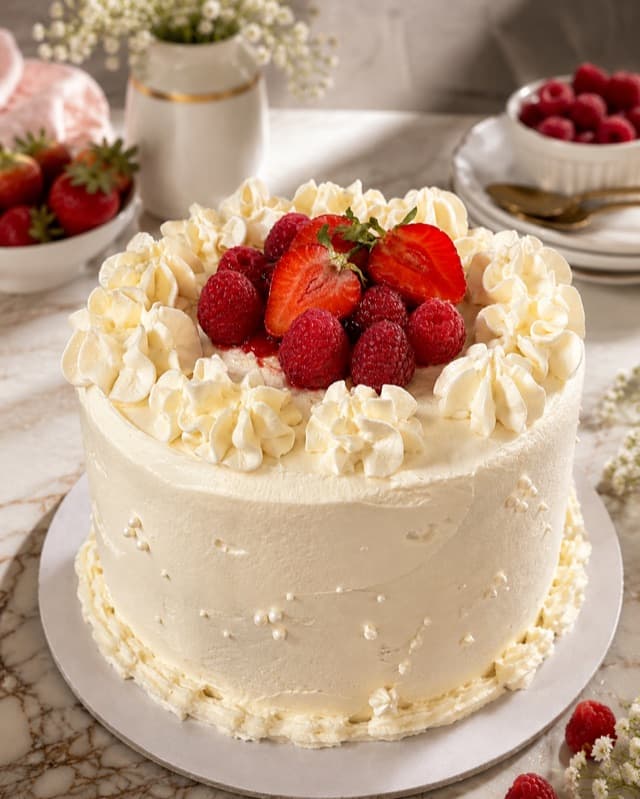 Customisable
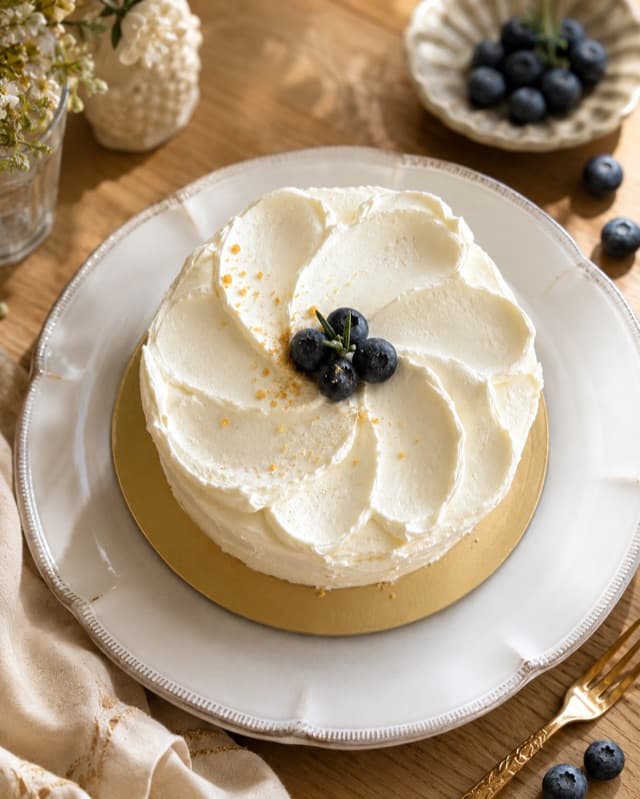 Made for sharing
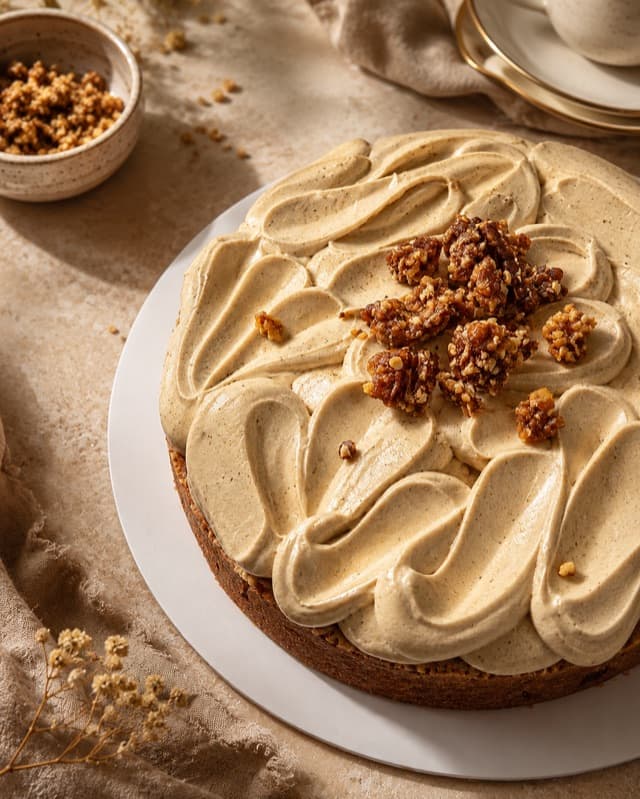 Favourites
Showcase your products
Large, appealing photos, a name and the details customers need to choose. Each product page presents your sizes, options and pricing information.
- Preferred date
- Saturday 24 October
- Number of servings
- 12 people
- Theme and colours
- Birthday · pink tones
- Inspiration photo
- A reference for the decoration
Ask the right questions for each product
Assign a specific form to each offering: servings and decoration for a cake, guests and venue for a buffet. Receive the details you need to prepare your response.
Your photos inspire. Your product pages help people choose.
Showcase your work with large photos, then explain what customers can request: sizes, flavours, customisation options and the price or quotation terms. Each creation has its own page and can link to its own form.
Celebration cakes, desserts, platters or buffets: organise your catalogue around what you actually offer. Photos on your product pages showcase your work and give customers a sense of your expertise.
- Photos of your creations, a description and pricing details for each product.
- Practical details to help customers decide: lead times, hours, address and collection or delivery options.
- A catalogue you can update from your workspace.
Forms tailored to each product
For a birthday cake, you need the number of servings, flavour and desired decoration. For a buffet, you need the location, guest count and expected services. Create several forms and link each product to the right one.
Start from an existing form, adapt the questions and choose required fields. Date, number, free text, single or multiple choice, collection or delivery, inspiration photo: ask for the details your business needs. Share a form across several products and create another for custom enquiries.
Design the cake with your customer
A birthday, a wedding, a particular idea: collect the details you need to suggest the right creation.
Choose the fields, suggested answers and required information. One form can also be used for several products.
- Event dateDate
- 24 October
- Number of servingsNumber
- 12 people
- Preferred flavourSingle choice
- Vanilla & mixed berries
- Theme and coloursFree text
- Birthday, flowers and pink tones
- Inspiration photoPhoto
- An example of your preferred decoration
Illustrative previews with fictional answers. Adapt the questions to your business. A custom enquiry does not automatically confirm availability or an order.
Customers choose a creation and complete its form. Find the enquiry and answers in your workspace, then discuss availability, price and terms with them. Custom enquiries still need confirmation. For fixed-price products, you can enable payment after connecting your Stripe account.
Custom enquiries or online payment: choose for each product
Custom requests must be confirmed with the customer. For fixed-price products with direct payment, connect Stripe and enable the basket. Ambrosia commission: 5 % on Free, 1 % on Premium and 0.2 % on Pro of the amount paid, charged to the artisan, plus Stripe fees. No Ambrosia commission on requests without online payment.
Commissions are calculated on the total amount paid and rounded to the nearest cent. Creating and publishing the page, and handling enquiries without online payment, do not use credits.
Seven website styles to explore
Notebook, Market, Signature, Garden, Épure, Pop and Minuit present the same creations with different colours, typography and layouts. The previews scroll automatically from the home section to the catalogue and contact details.
Choose a style that suits your business: an editorial layout, an expressive showcase, an intimate setting, a botanical feel, a minimalist composition, a graphic style or a midnight-blue showcase. Select your template directly during setup; our team is available to help.
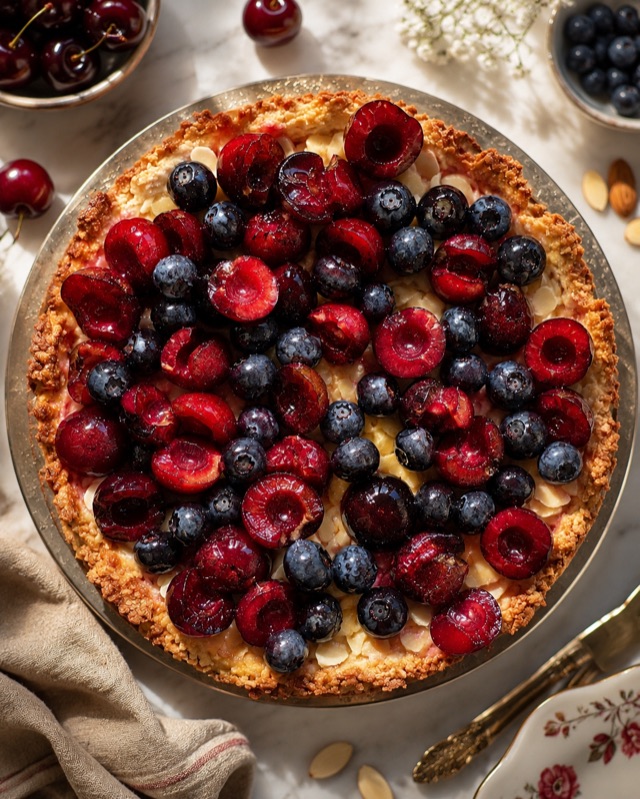
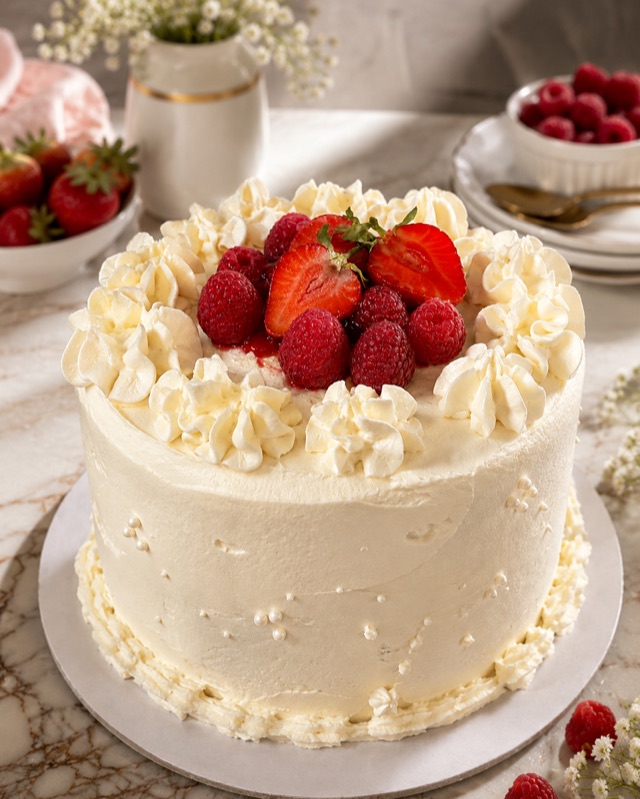 Fruit cake
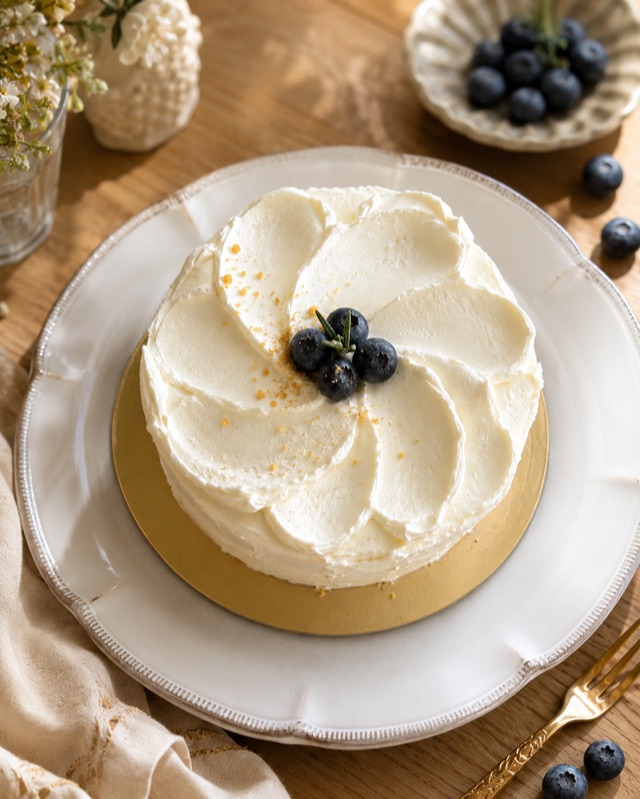 Seasonal treat
Carnet
Editorial · warm · artisan
Tell the story of your craft and give your creations' photos room to shine.
Marché
Expressive · indulgent · welcoming
Showcase your catalogue with bold headings and confident colours.
Signature
Deep · elegant · photographic
Present celebration pieces and custom creations in a more intimate atmosphere.
Jardin
Natural · soft · welcoming
A presentation in sage tones, with arched images and rounded shapes.
Épure
Minimal · bright · precise
Let your creations speak on a white background, with understated typography and touches of blue.
Pop
Graphic · playful · bold
A showcase full of personality, with lilac tones, rounded headings and bold contrasts.
Minuit
Contemporary · dark · structured
Highlight your creations against a midnight-blue background, with clean lines and contemporary typography.
Animated previews of the available styles: home, catalogue and contact. Illustrative presentations with fictional content. Scrolling plays automatically once.
Share your link and follow up on enquiries
Share your website link in your Instagram bio, on WhatsApp and after a word-of-mouth recommendation. Customers find the same catalogue and ordering information wherever they come from. A QR code on printed materials can also lead to your website.
The dashboard shows received enquiries. Depending on your plan, detailed analytics show page views, contact clicks, viewed products and traffic sources. Audience measurements cover visitors who have accepted them.
Our communication and design experience at work for your website
Anthony designs and develops the Ambrosia tools. Noé works on customer journeys and Instagram strategy, while Noëlia brings her graphic design expertise. Together, we design the templates, photo placement and the journey from your Instagram post to your website and the customer’s enquiry.
For your business, this means an offer that is easier to browse: a featured creation, clear sizes and terms, then a clearly stated next step. You stay in control of your content and how you present your craft.
This expertise informs the design of Ambrosia’s tools and templates. Personalised strategy or brand identity work is discussed separately with the team; it is not automatically included in free website creation.
- Highlight your creations: framing, spacing and colours that keep the product centre stage.
- Help customers choose: distinguish the creation’s name, options, price and ordering terms.
- Create continuity: use the same names, photos and details on Instagram and your website.
- Make the first conversation easier: explain what customers can request and the information they should provide.
A post presents a layer cake and its decoration. The link leads to a listing with the same name, number of servings, flavours and pickup terms. The form asks for the date and requested customisation: visitors find the creation that caught their eye and know how to proceed.
Prepare your offer with recipe costing
Before offering a cake or buffet, calculate the cost of ingredients, packaging and preparation time. The costing tool is available in the same workspace to prepare recipes and estimate an order’s margin.
Order calculations are entered separately: an enquiry received through your website is not automatically converted into a margin calculation.
Questions about creating your website
Can I create my website myself right away?
Yes. The guided process takes you from your details or Instagram to a preview, then account creation. Your website is saved as a draft; confirm your email and check your details before publishing.
Can I have a different form for each product?
Yes. Create a product-specific form or use the same one for several pages. For example, custom cakes can ask for a theme and inspiration photo, while buffets ask for a venue and guest count. Questions and required fields are customisable.
Can customers send an inspiration photo?
Yes. Add an inspiration photo field to the relevant form so customers can attach a reference to their enquiry. You can then discuss the decoration and whether it is achievable.
Does the website accept online payments?
Yes, for fixed-price products. Connect your Stripe account and enable payments in your workspace. Ambrosia commission, paid by the business: 5 % on Free, 1 % on Premium and 0.2 % on Pro, plus Stripe fees. Products requiring a quote remain enquiries to confirm.
How much does website creation cost?
Creating your account and website is free, with a preview before sign-up. Features, limits and online payment commissions depend on your plan, detailed on the pricing page; Stripe fees apply in addition to Ambrosia commissions.